1. Give the project a direction.
Start with the product you want to make and the audience you have in mind. Write a brief, explore ideas and keep your chosen direction with the project. Your connected ChatGPT account supplies the models for research, artwork and copy.
For example, a small collection of botanical wall art needs a consistent palette and composition. Decide those details before creating several pieces, so you have a clear basis for reviewing the results.
2. Create, review and refine.
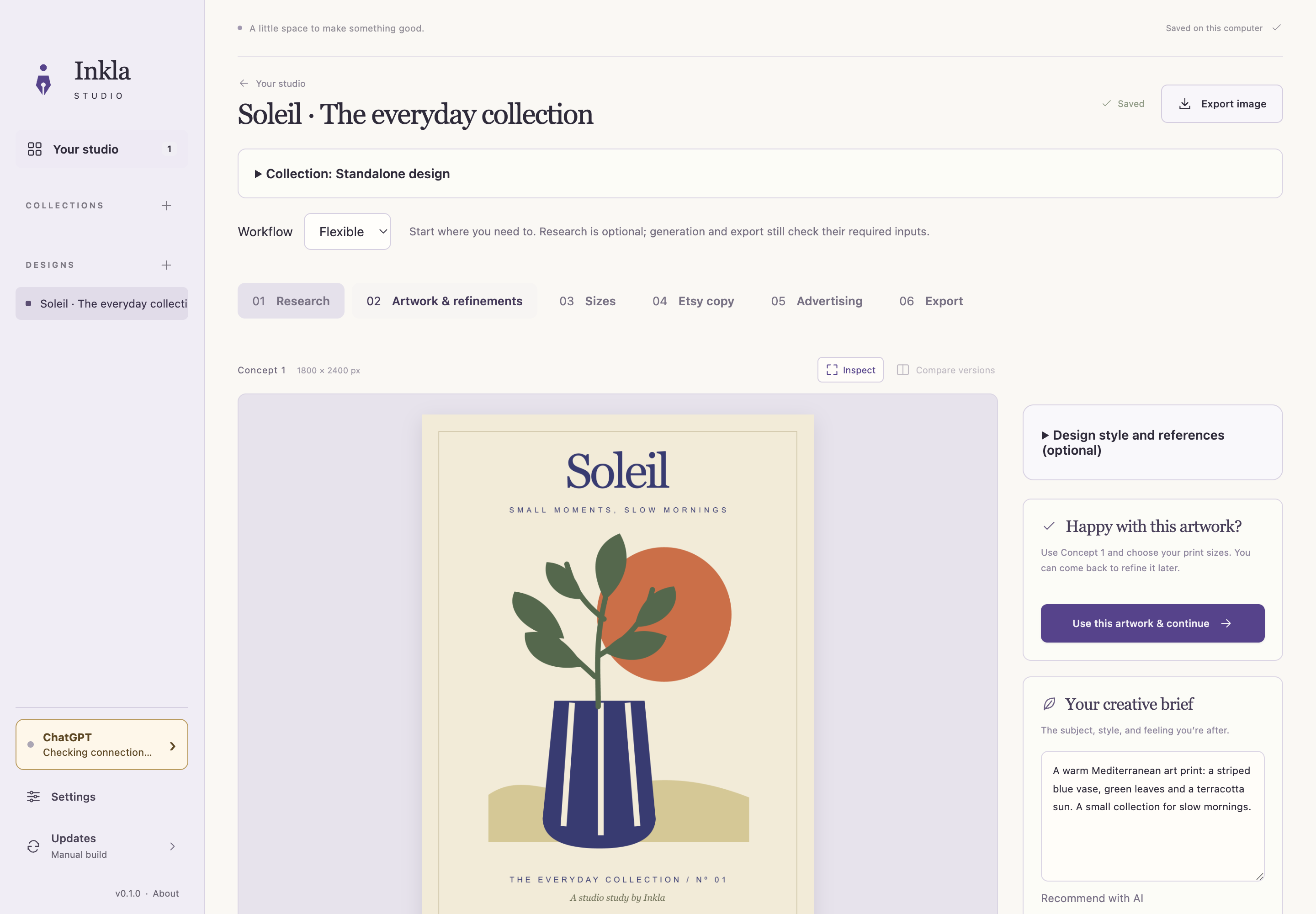
Use your brief to generate artwork, compare versions and ask for changes. Inkla keeps the original and your revisions in the project, so you can return to an earlier version. Once you have a design you want to use, inspect the details before preparing it for print.
3. Prepare the sizes you will sell.
Inkla offers A4, A3 and A2 poster presets, plus A6 and A5 folded cards. Review the crop and image quality for each selected size. Local upscaling is available on your computer when an image needs more pixels.
Print preparation defaults to 300 PPI. That target describes pixel density at the chosen print size; it does not guarantee sharp detail in the source. Inspect the output and check a physical sample with your printer before selling a printed product.
The printable wall art size guide explains ratios, pixels and the difference between A-series and inch sizes.
4. Bring the listing together.
Inkla drafts your Etsy title, description and tags from the product details you provide. You can refine individual fields and keep separate copy for a digital download and a physical print.
It also prepares listing images, including artwork previews, size information and contents cards. Choose the images you want to use, then check that the copy and gallery match the files in your offer.
5. Export, then upload yourself.
Export your reviewed artwork and print files as PNG or JPG, plus PDF. The seller package keeps masters, print files, listing material and support files together. Its buyer-downloads/ folder holds the files intended for your digital customers.
Ready to upload. Inkla prepares your buyer files and listing material. You upload them to Etsy and publish from your shop. For physical products, you arrange printing with your chosen supplier.
Use our Etsy download file guide to check the buyer package before uploading it.
What you need to get started.
- A Mac with Apple silicon or a Windows x64 computer.
- Active Inkla Studio access. The standard plan is £19 per month.
- Your own compatible ChatGPT account. Its plan, availability and usage limits are separate from Inkla Studio.
Projects, originals and revisions are saved on your computer. AI requests send relevant project material to your connected provider; cloud project sync is not included.
See Studio pricing